



A video wall in the browser with no plug-ins
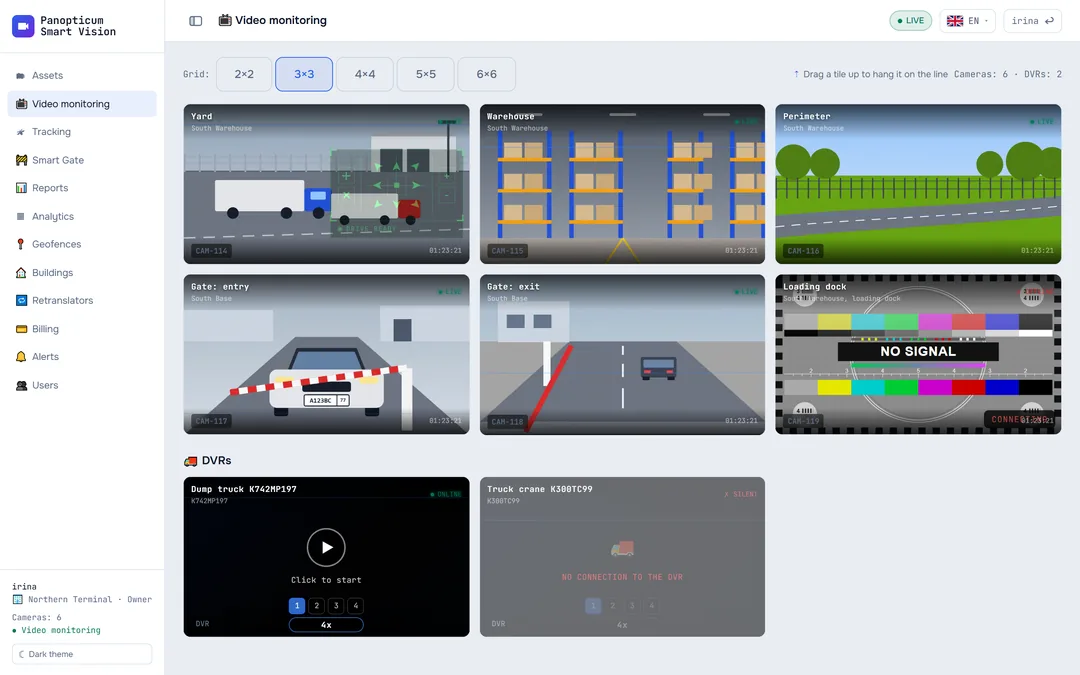
IP cameras open in an ordinary browser, in the Windows and Android apps and in Telegram. A PTZ control steers pan-tilt cameras, and every camera is checked every 30 seconds.
Features
No plug-ins
Video opens in an ordinary browser. Nothing to install.
Camera grid
From one to dozens of cameras on screen, and any of them opens full screen.
PTZ control
Pan, tilt and zoom right over the video.
A check every 30 seconds
The system notices on its own when a camera stops responding.
“No signal” is obvious at once
A camera that is down shows a test card, not a black square.
DVR video on demand
The vehicle’s channel is busy only while someone is watching.
PTZ control right where you are looking
A pan-tilt camera gets a control pad over the frame: eight directions, zoom and stop. You can move it or hide it. The pad appears only on cameras that really can turn.
 CAM-04 Perimeter
LIVE
Cameras behind 4G and private IPs too
If the site has no public IP, a trunk is installed: it sends the video out over an outgoing connection by itself. To the operator, such a camera is no different from the rest.
Click any node in the diagram to see what it does.
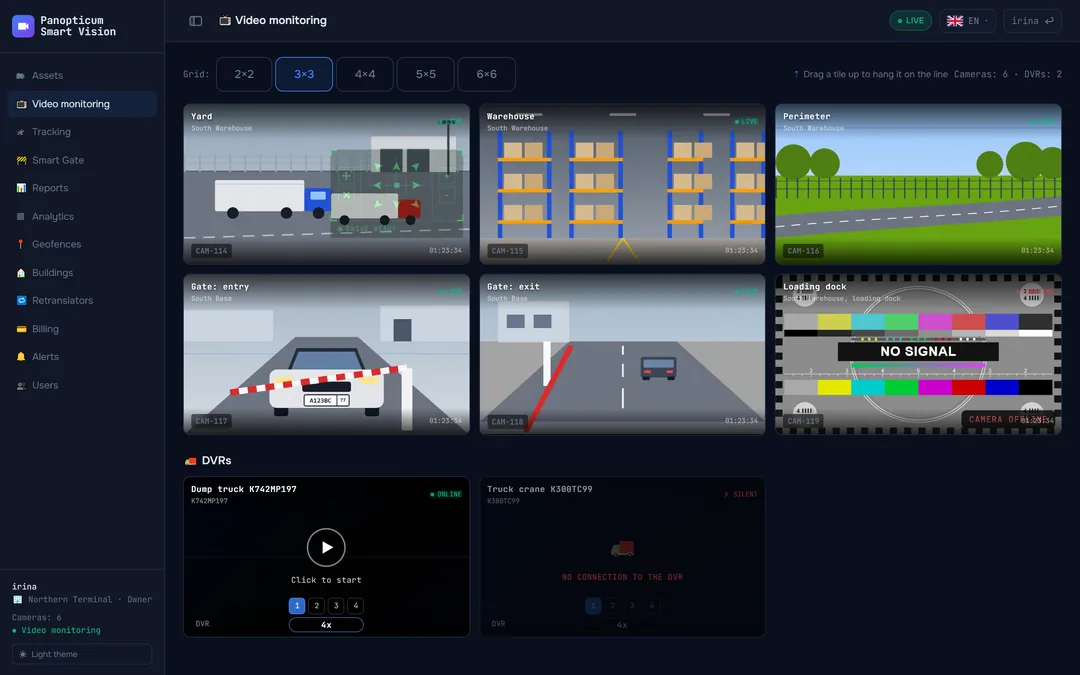
A dark theme for the control room
The web app switches between light and dark themes. The video screen always stays dark, as a screen should.
Works with
Frequently asked questions
Do I need a plug-in or a separate player?
How many cameras can a server handle?
Is there a video archive?
What if the site has no public IP?
Works together with
SLA analytics
Availability of each camera as a percentage: which ones went down, when and for how long.
Learn moreTrunks
A box on site finds the cameras and sends the video out. No public IP and no port forwarding.
Learn moreBuildings
Addresses and floor plans, with cameras placed right on the plan.
Learn moreWe will show it on your equipment
Tell us about your task, and we will show Panopticum on your cameras and vehicles
Or start on your own: after sign-up you get 14 days of the “Business” plan free, no card needed.
- We reply during working hours, fastest on Telegram
- We will help you connect cameras and devices remotely
- Only you and your staff see your data
Request sent
We will reply during working hours. If it is urgent, message us on Telegram.