



Panopticum wherever you work
The dashboard in your browser, apps for Windows and Android, and an operator panel in Telegram. One login, one set of permissions, the same data.
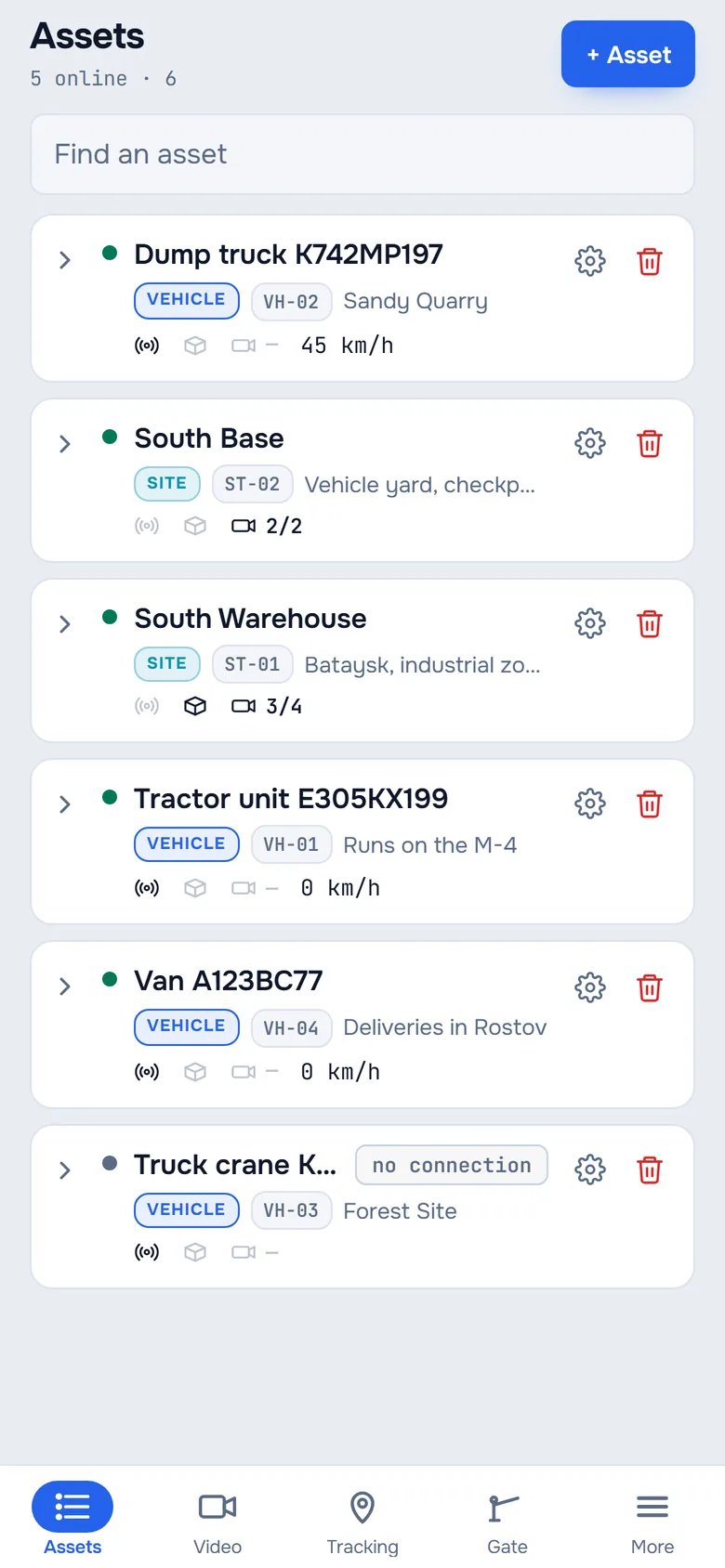
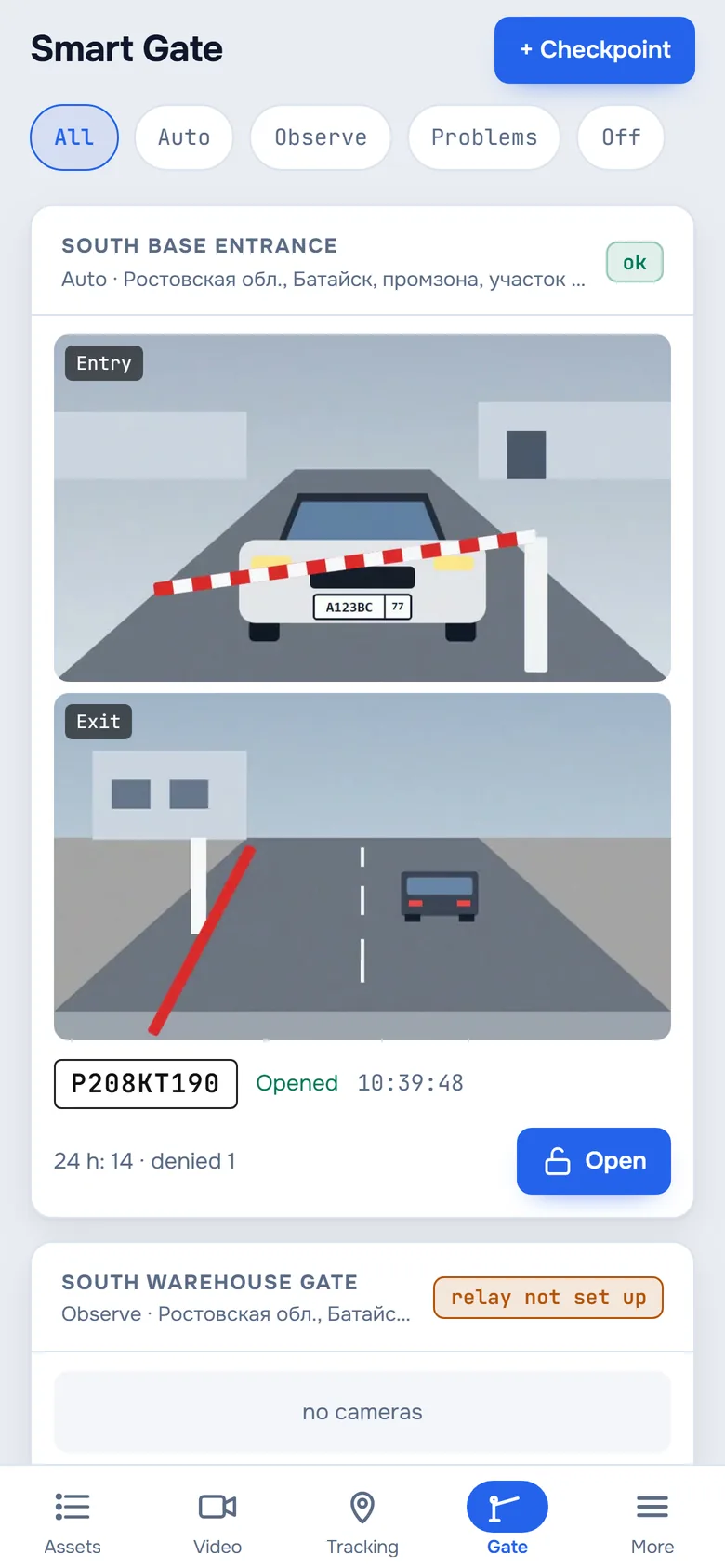
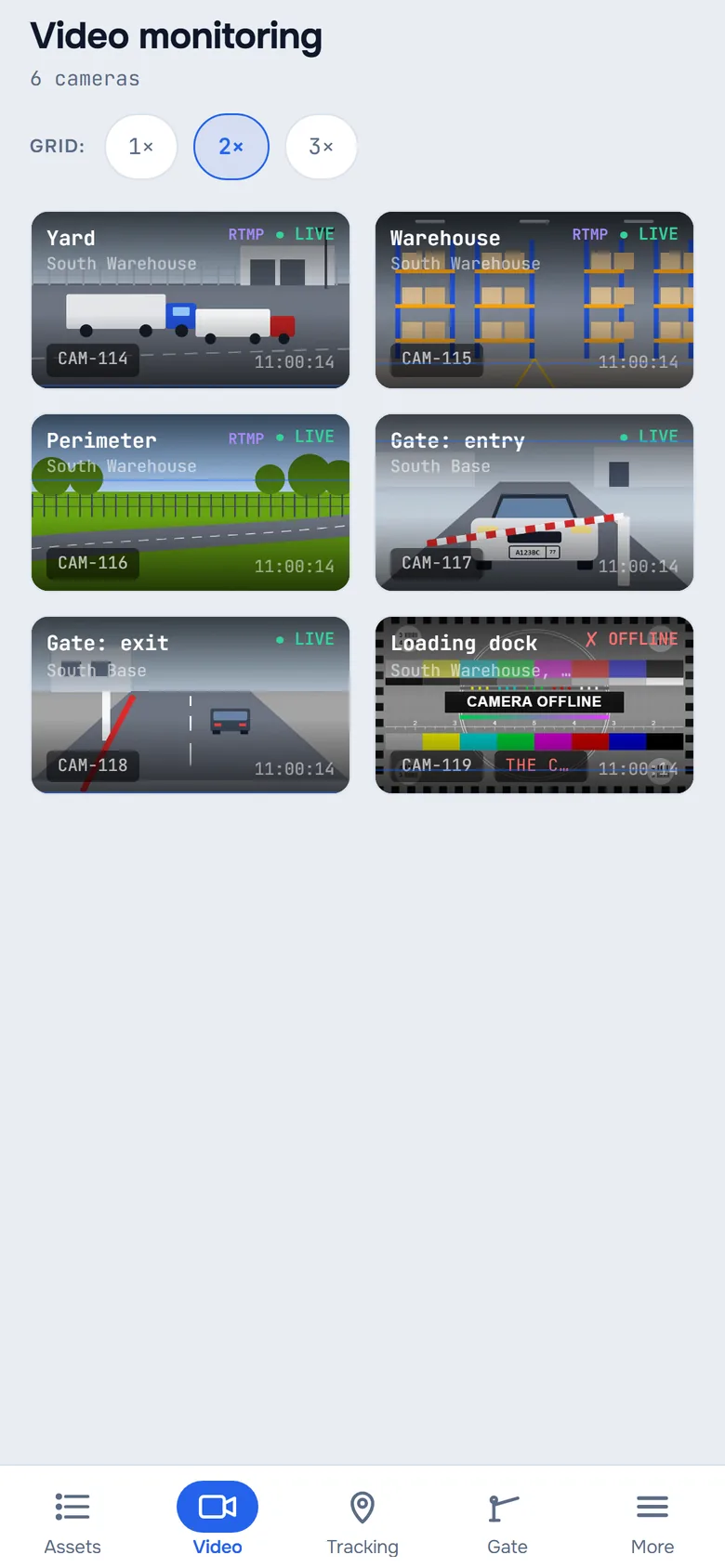
Four ways in, the same data
Windows
An app for the control room: video wall, assets, tracking and checkpoints. Version 3.2.3.
DownloadAndroid
Everything on your phone: assets, video, tracking, checkpoints, reports and billing. Version 3.3.
Download APKTelegram
A Mini App with the operator panel and a bot that sends alerts. Works on iPhone too. The panel and the bot are in Russian for now.
Open the botWindows
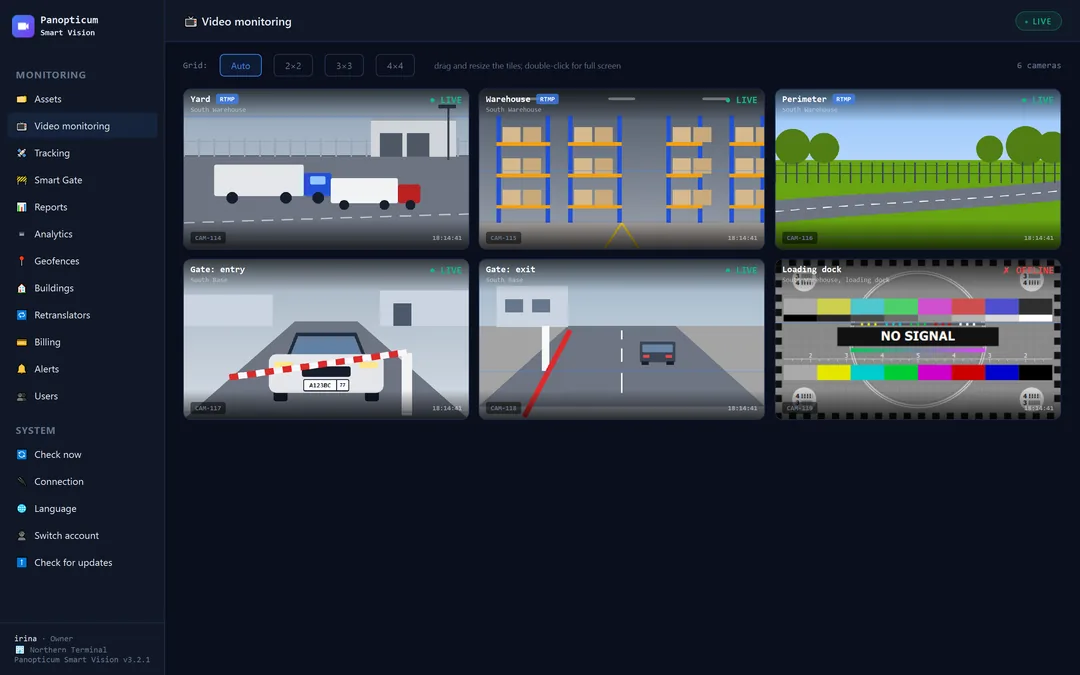
An app for the control room
Video wall, assets, tracking, geofences, buildings, retranslators and Smart Gate. Updates itself.
- Interface in English and Russian
- Camera video directly, with no extra hops
- PTZ control in full screen and in a separate camera window
- Windows and splitters remember their position
SHA-256: 482affb796cf621c5a0fd91ef71c7de7123f7ba0e89f754705fbdbc3b79e0b3e
Android
Cameras and vehicles on your phone
Assets, video, tracking, Smart Gate, geofences, buildings, reports, billing and retranslators. Your password is not stored on the phone, and the app updates itself when a new version comes out.
- Interface in English and Russian
Point your phone’s camera here to download the APK
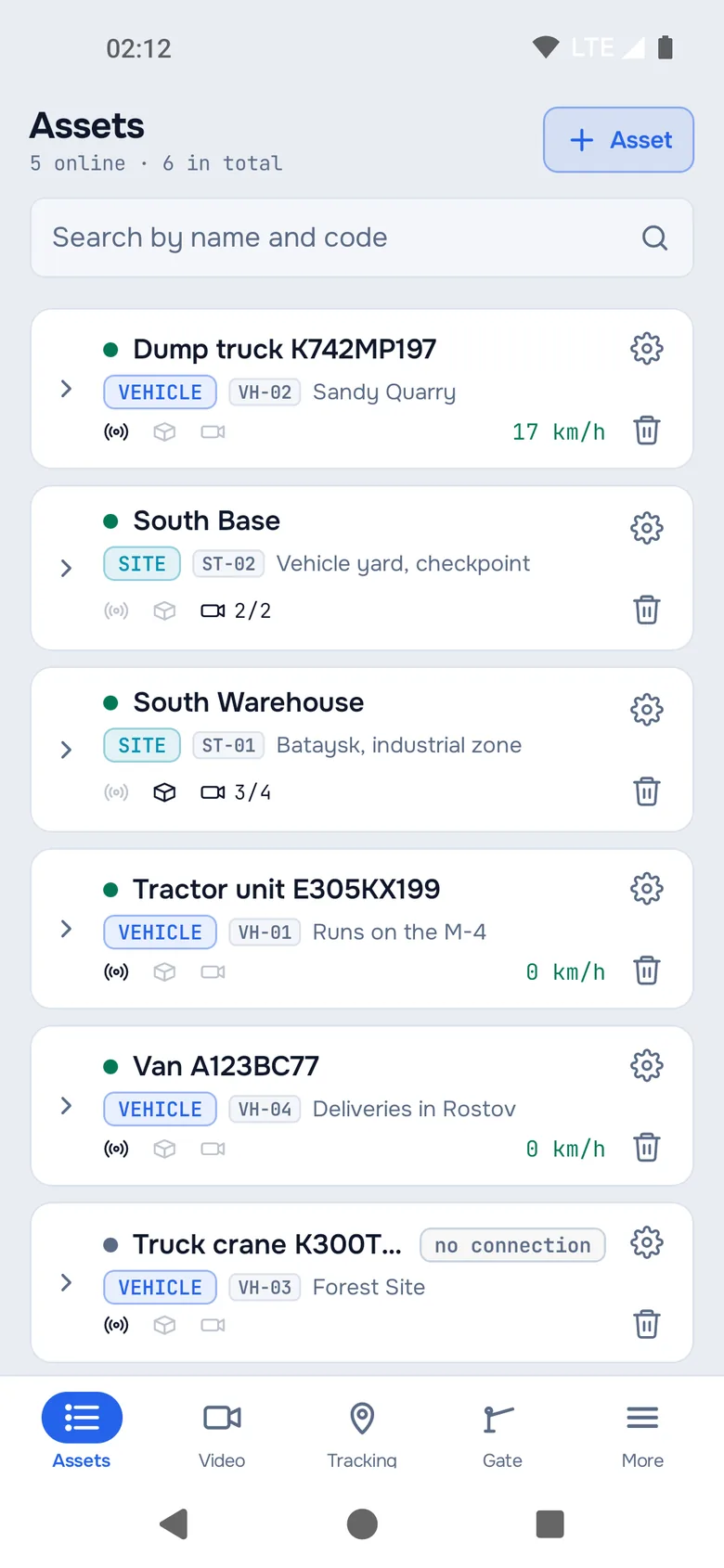
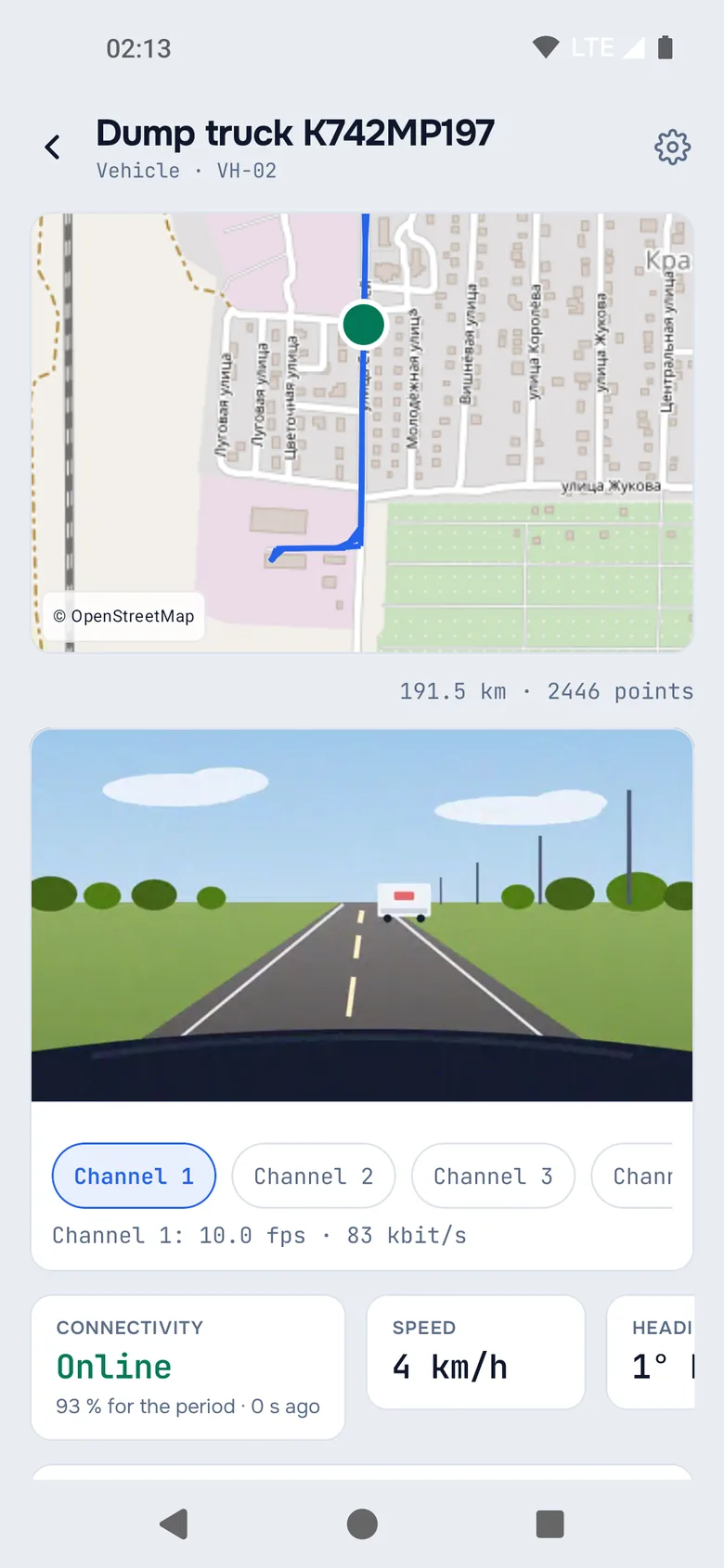
Telegram
The operator panel right inside Telegram
The Mini App opens from a button in the @PanopticumAlertBot bot: assets, video, tracking, checkpoints, reports. Works on iPhone, Android and Telegram Desktop.
The bot writes in Russian for now; the Telegram panel is in English and Russian.
- Sign in once: the bot is linked to your account
- Alerts come with a button that opens the panel
- Light and dark themes, matching Telegram
Frequently asked questions
Is there an iPhone app?
Do the apps need a separate login?
Do the apps see all the account’s equipment?
How do I update the apps?
We will show it on your equipment
Tell us about your task, and we will show Panopticum on your cameras and vehicles
Or start on your own: after sign-up you get 14 days of the “Business” plan free, no card needed.
- We reply during working hours, fastest on Telegram
- We will help you connect cameras and devices remotely
- Only you and your staff see your data
Request sent
We will reply during working hours. If it is urgent, message us on Telegram.